Features

Everything you need, in one cohesive UI.

PatchOpsIII consolidates popular community tools and quality-of-life tweaks for Black Ops III, with safe configuration handling and clear logging.

Dashboard

A real-time status overview and launch control center in one glance.
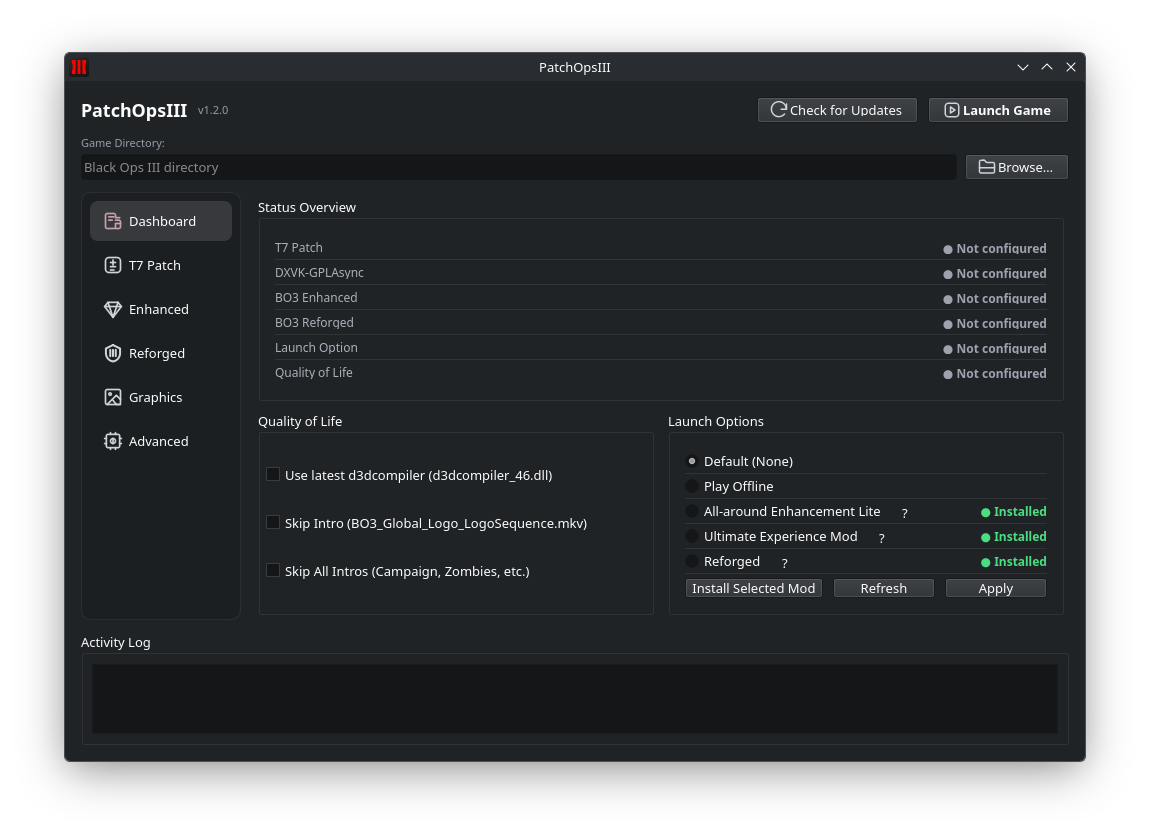
  • Status overview for T7 Patch, DXVK, Enhanced, and launch options.
  • Quality of Life toggles: skip intros, use latest d3dcompiler.
  • Launch profiles: Default, Play Offline, All-around Enhancement Lite, and Ultimate Experience Mod.
  • Smart Black Ops III directory detection (automatic + manual browse).
PatchOpsIII Dashboard screenshot

T7 Patch

Secure your multiplayer sessions with one-click patch management.
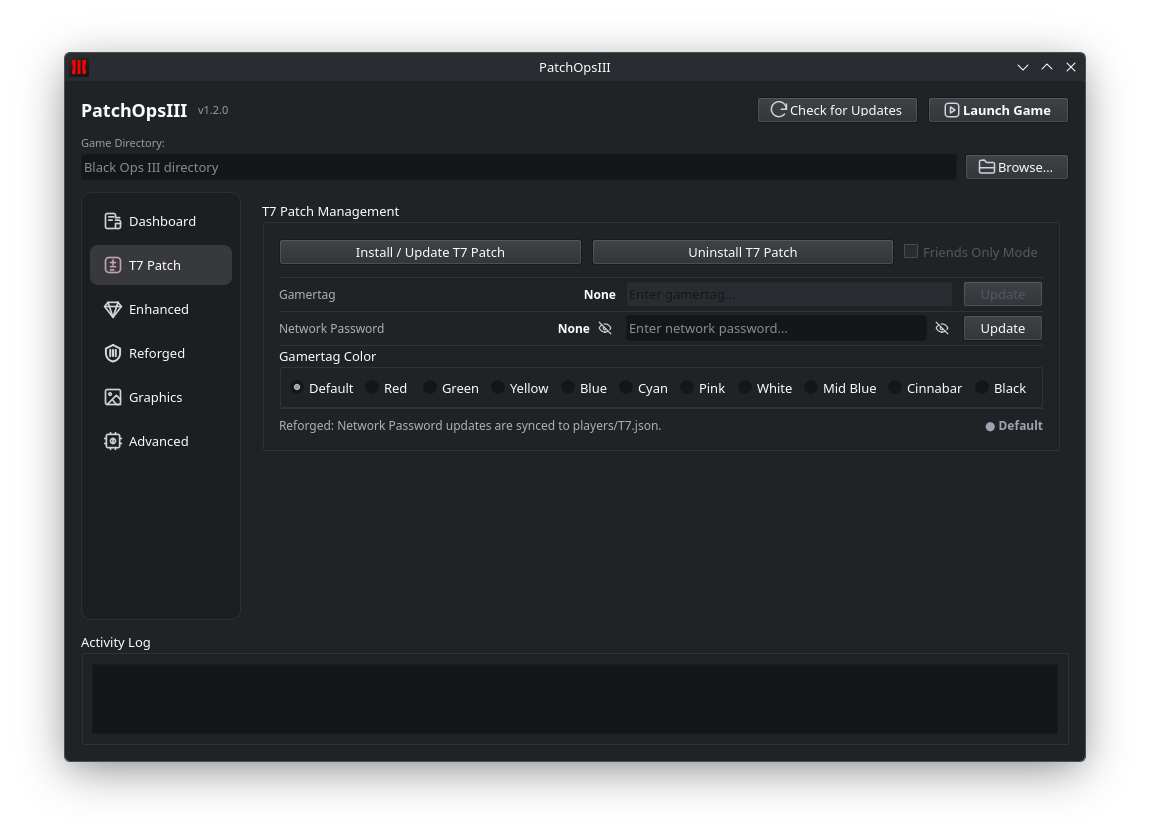
  • Install or update T7 Patch to mitigate known remote code execution vulnerabilities.
  • Set your gamertag and choose from multiple gamertag colors.
  • Configure a network password with Friends Only mode support.
  • Clean uninstall when needed.
PatchOpsIII T7 Patch tab screenshot

BO3 Enhanced

Install and manage the Enhanced mod that unlocks higher-fidelity assets.
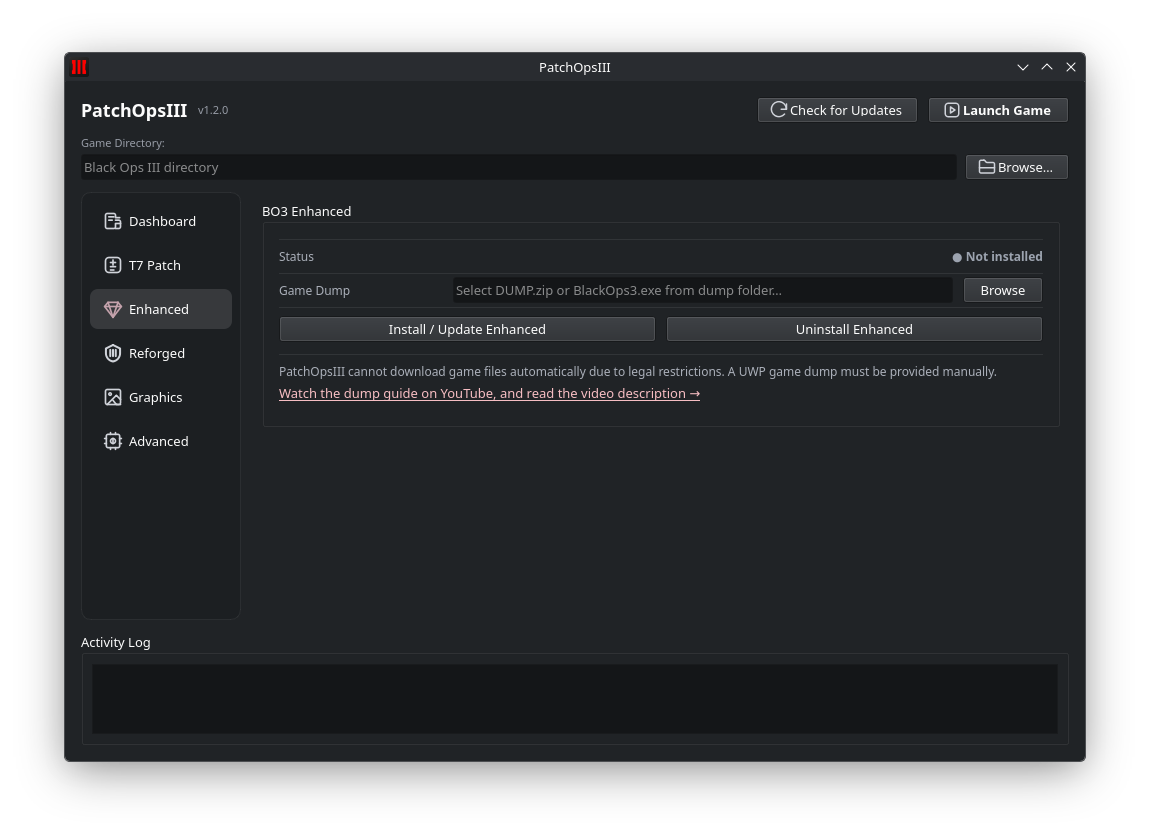
  • Install or update BO3 Enhanced from a local game dump.
  • Step-by-step guidance for providing a UWP game dump.
  • Clean uninstall preserves your base game files.
PatchOpsIII Enhanced tab screenshot

Graphics

Fast, practical graphics controls — from curated presets to your exact refresh rate.
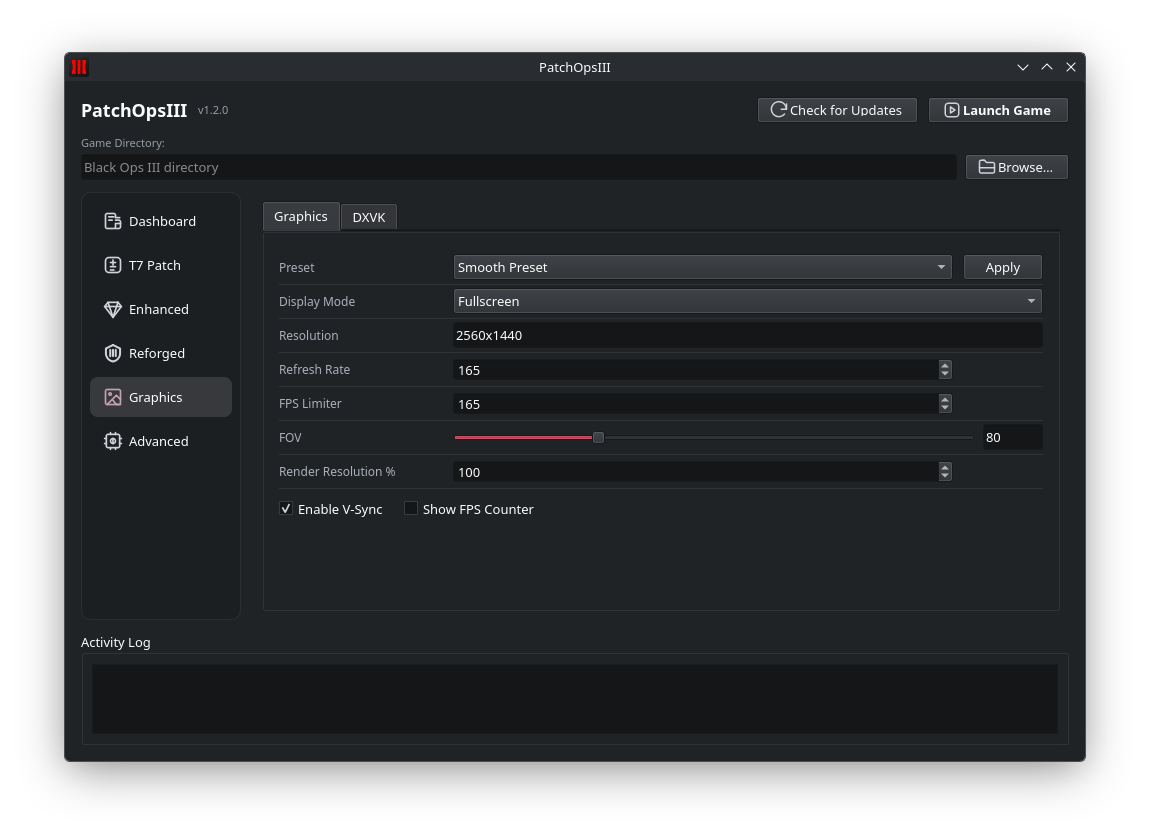
  • Preset loader for curated JSON configurations (e.g. Smooth Preset).
  • FOV slider, display mode, resolution, refresh rate, render resolution %, and V-Sync.
  • FPS limiter (0–1000) and FPS counter toggle.
PatchOpsIII Graphics tab screenshot

DXVK-GPLAsync

Reduce shader stutter with async Vulkan compilation tuned for BO3.
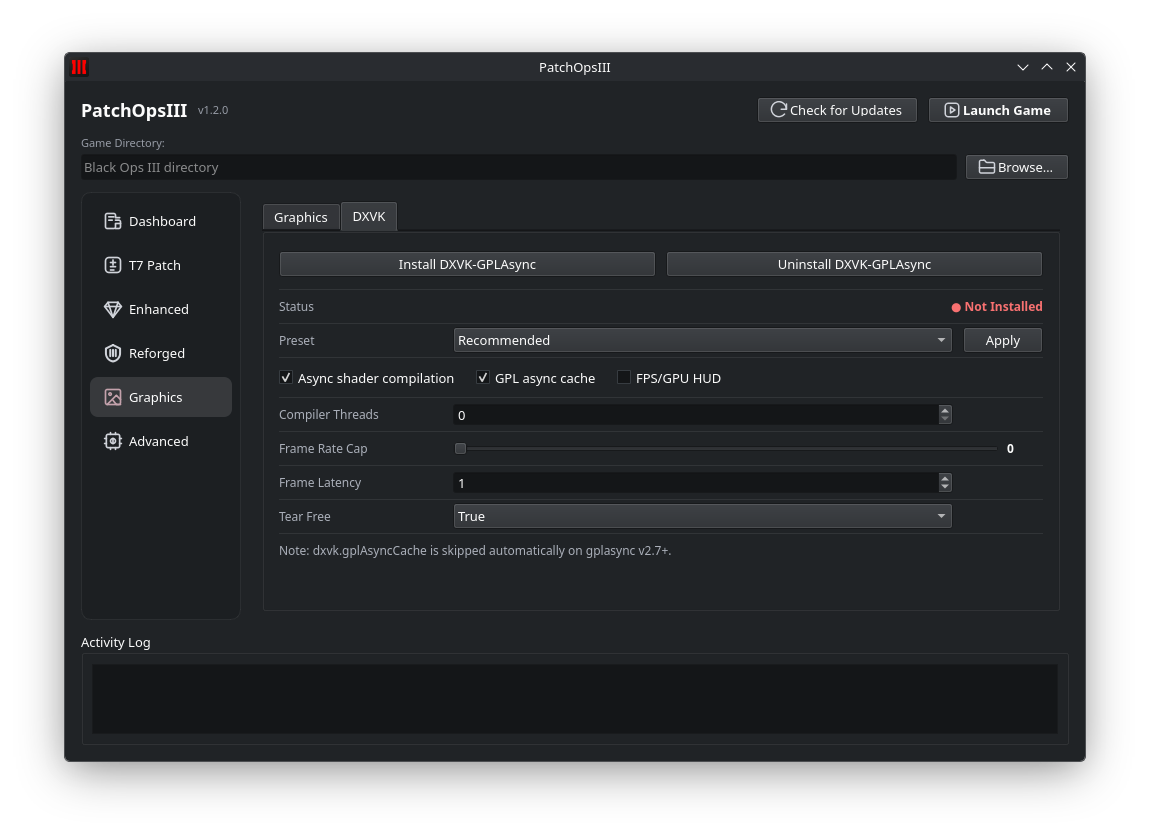
  • Install or uninstall DXVK-GPLAsync with one click.
  • Configure async shader compilation, GPL async cache, and FPS/GPU HUD.
  • Tune compiler threads, frame rate cap, frame latency, and tear-free mode.
  • Presets for quick recommended configuration.
PatchOpsIII DXVK tab screenshot

Advanced

Unlock hidden settings and apply power tweaks while keeping your config safe.
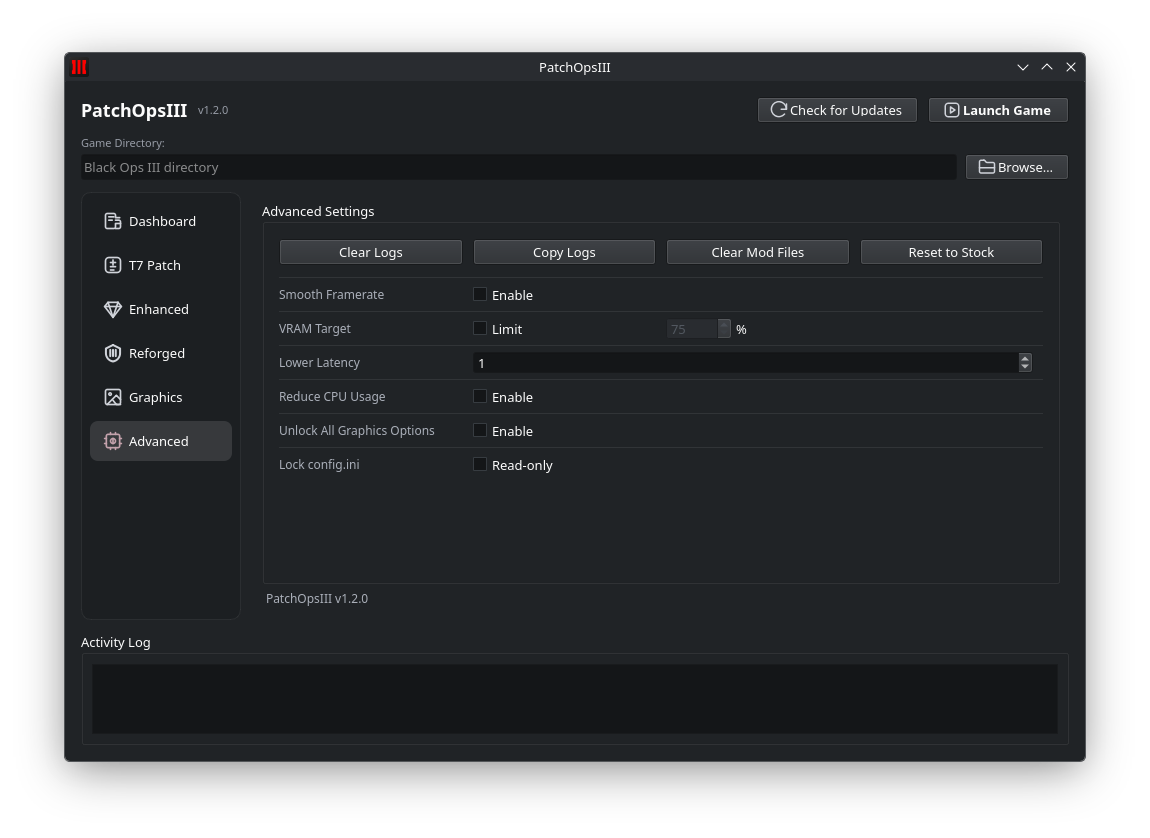
  • SmoothFramerate, VRAM target limit, frame latency, and Reduce CPU Usage toggles.
  • Unlock all graphics options and set config.ini read-only.
  • Clear logs, copy logs, clear mod files, and reset to stock.
  • Guarded writes that reduce accidental overwrites of user settings.
PatchOpsIII Advanced tab screenshot

Terminal & logging

Every operation prints live feedback, and a persistent PatchOpsIII.log helps with troubleshooting and support.

Live feedback

See what succeeded (or failed) without guessing — especially during installs and patching.

Auditable logs

A detailed log file captures actions for reproducible bug reports and faster support.

Cross-platform

Built and packaged for both Windows and Linux, including Steam Deck-friendly releases.

Get PatchOpsIII

Grab the latest build from GitHub and start optimizing in minutes.